
Recovering deleted photos and videos, camera by camera
Updated 13 October 2026
To recover deleted photos from a camera's SD card, it helps to know where your camera keeps its files and what it calls them. Every major brand follows the same basic layout, with a few twists, especially for video. This page covers Canon, Nikon, Sony, Fujifilm, Panasonic Lumix, OM System and Olympus, GoPro, DJI drones and Insta360: their folders, file names and RAW formats, what their format options do, and tips for getting video back.
Whatever the camera, the first steps are the same. Stop shooting, take the card out, and read it with a card reader on your Mac. A camera connected by USB cable usually doesn't show up as a disk.
Download Found Again free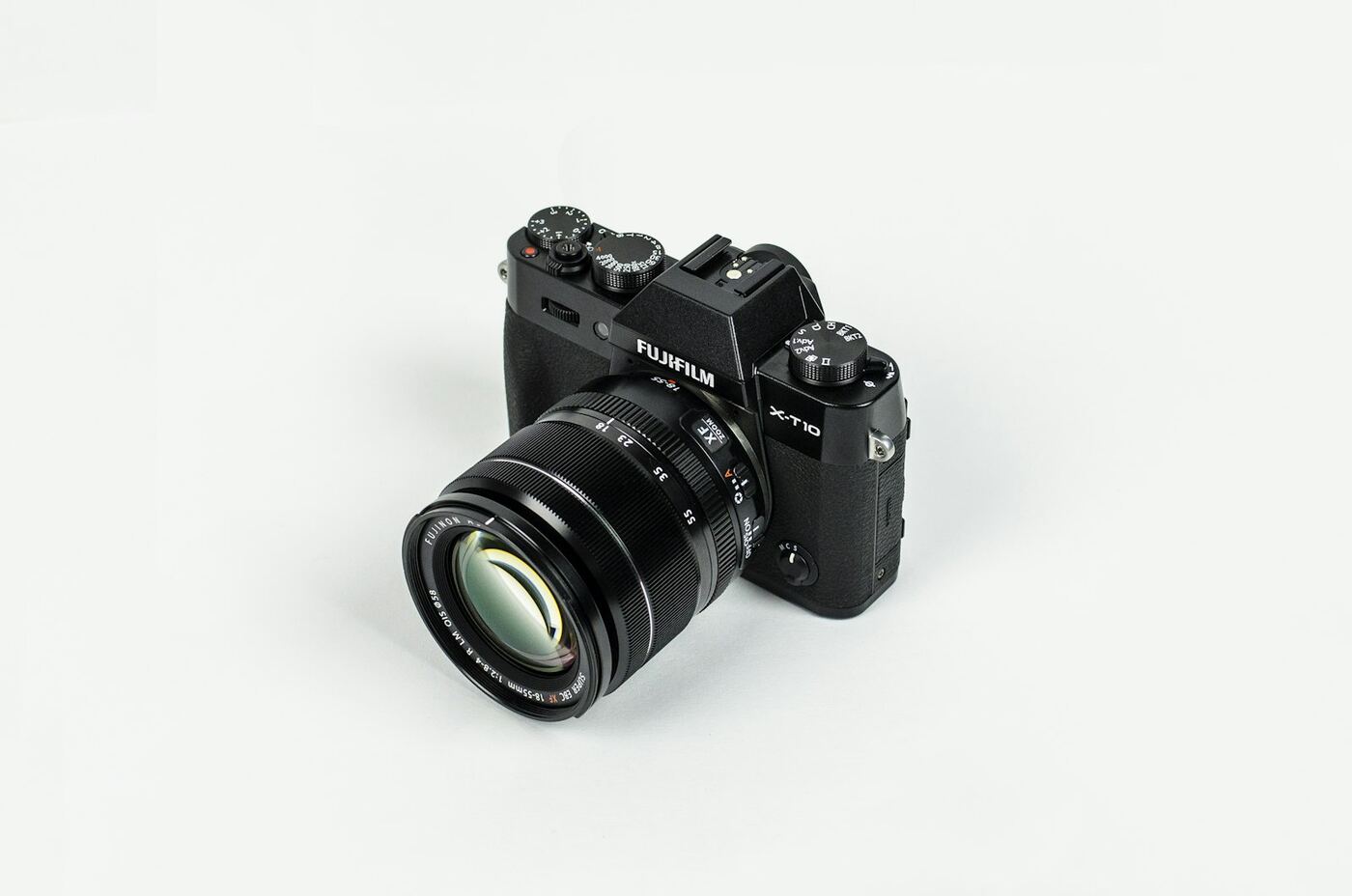
How cameras organize a memory card
Almost every camera follows a standard called DCF. Photos go in a folder called DCIM. Inside it are numbered folders from 100 to 999, each with a five-character suffix chosen by the maker, such as 100CANON. File names are eight characters, usually a four-letter prefix and a four-digit number, such as IMG_0001.JPG.
When Found Again finds deleted files through the card's file records, they come back in these folders with these names. When it finds them with the deep scan, after a format for example, the folders and names are gone, so photos are named by the date and time they were taken, along with the camera model.
| Camera | Photo folder | Typical file names | RAW |
|---|---|---|---|
| Canon | DCIM/100CANON or DCIM/100EOSR5 | IMG_0001.JPG, MVI_0001.MP4 | CR3, CR2 |
| Nikon | DCIM/100NIKON or DCIM/100NCZ_8 | DSC_0001.JPG | NEF |
| Sony | DCIM/100MSDCF; video in PRIVATE/M4ROOT/CLIP | DSC00001.JPG, C0001.MP4 | ARW |
| Fujifilm | DCIM/100_FUJI | DSCF0001.JPG, DSCF0001.MOV | RAF |
| Panasonic Lumix | DCIM/100_PANA | P1000001.JPG | RW2 |
| OM System / Olympus | DCIM/100OMSYS or DCIM/100OLYMP | P6010001.JPG | ORF |
| GoPro | DCIM/100GOPRO | GOPR0001.JPG, GX010001.MP4 | GPR |
| DJI drones | DCIM/100MEDIA on many models | DJI_0001.JPG, DJI_0001.MP4 | DNG |
| Insta360 | DCIM/Camera01 | VID_20240601_143000_00_001.insv | Not covered here |
Canon
- Folders: many models use DCIM/100CANON. Some newer EOS R bodies name the folder after the camera, such as 100EOSR5 or 100EOSR6.
- Photos: IMG_0001.JPG. If the camera is set to the Adobe RGB color space, names start with an underscore instead, like _MG_0001.JPG.
- RAW: CR3 on current models, CR2 on older DSLRs. The deep scan finds both.
- Video: usually MVI_0001.MP4, or MOV on many older models. Cinema RAW Light clips (.CRM) can come back by name if the file records survive, but the deep scan doesn't look for them.
Formatting: Canon's normal format only changes the card's file management information, so photos can usually be recovered. The Format card screen also has a "Low level format" checkbox. With it ticked, Canon says the camera erases all recordable sectors, and nothing can be recovered.
Nikon
- Folders: a three-digit number plus a five-character name. Nikon's manual gives the Z8's default name as NCZ_8, so its folders look like 100NCZ_8. Some older models use 100NIKON.
- Photos: DSC_0001.JPG. In Adobe RGB, names start _DSC0001.
- RAW: NEF, which the deep scan finds.
- Video: DSC_0001.MOV or .MP4. N-RAW clips (.NEV) on the Z8 and Z9 can come back by name if the file records survive, but the deep scan doesn't look for them.
Formatting: we haven't been able to confirm what Nikon's format does to photo data. If you formatted by mistake, stop shooting and scan the card. The results will show whether photos are still there.
Sony
- Photos: DCIM/100MSDCF, with names like DSC00001.JPG.
- RAW: ARW, which the deep scan finds.
- Video: stored separately, in PRIVATE/M4ROOT/CLIP. Clips are named C0001.MP4, each with a small XML file of metadata. Proxy copies, if you turned proxy recording on, go in PRIVATE/M4ROOT/SUB. Older models that record AVCHD keep .MTS files under PRIVATE/AVCHD. Those can come back by name if the file records survive, but the deep scan doesn't look for MTS.
Formatting: newer Sony cameras ask you to choose Full Format or Quick Format. Sony says Quick Format only initializes the data management information, so photos can usually be recovered. Full Format initializes the whole card, including the data area, and nothing can be recovered. On some older models, pressing the Delete button on the format screen starts a full format.
Fujifilm
- Folders: DCIM/100_FUJI.
- Photos: DSCF0001.JPG. In Adobe RGB, names start _DSF.
- RAW: RAF, which the deep scan finds.
- Video: usually MOV files named like the photos, such as DSCF0001.MOV, in the same folder.
Photos deleted in the camera usually come back with their names, for example DCIM/100_FUJI/DSCF0001.JPG. Fujifilm cards are where Found Again began (here's the story).
Formatting: we haven't been able to confirm what Fujifilm's format does to photo data. If you formatted by mistake, scan the card before reusing it.
Panasonic Lumix
- Folders: DCIM/100_PANA.
- Photos: P1000001.JPG. The 100 in the name matches the folder number.
- RAW: RW2, which the deep scan finds.
- Video: newer models save MP4 or MOV files alongside the photos. Older models that record AVCHD keep .MTS files under PRIVATE/AVCHD, which can come back by name but aren't on the deep scan's list.
Formatting: on the GH6 and GH7, the Card Format screen offers "Low Level Format" for CFexpress cards. That's the deeper option. Panasonic's instructions for other models, such as the G9, GH5 and G100, list a plain Format option.
OM System and Olympus
- Folders: DCIM/100OMSYS on OM System cameras, DCIM/100OLYMP on Olympus-branded ones.
- Photos: the name includes the date. P6010001.JPG means June 1, picture 0001. The second character is the month (1 to 9, then A, B and C for October to December), the next two are the day.
- RAW: ORF, which the deep scan finds.
- Video: MOV files with the same naming.
The date in the name is handy when you're sorting recovered files by hand, since it tells you roughly when each photo was taken.
GoPro
- Folders: DCIM/100GOPRO.
- Video: GX010001.MP4 (H.265/HEVC) or GH010001.MP4 (H.264). The "01" is the chapter and "0001" is the clip. GoPro splits long recordings into chapters, often around 4 GB each, so the next part of the same clip is GX020001.MP4.
- Photos: GOPR0001.JPG. RAW photos use GoPro's .GPR format, which can come back by name if the file records survive.
- Extras: .LRV files are low-resolution copies of videos, and .THM files are small thumbnails.
Tips: recover every chapter of a clip, not just the first. If a main MP4 comes back Damaged, look for the matching .LRV file. It's a lower-quality copy, and renamed to .MP4 (in a separate folder, so it can't replace anything) it usually plays.
DJI drones
- Folders: DCIM/100MEDIA on many models.
- Names: DJI_0001.JPG and DJI_0001.MP4 on many models. Newer drones use longer names that include the date and time.
- RAW: DNG, which the deep scan finds.
- Extras: some models save a small .LRF file next to each video (a low-resolution copy) and an .SRT file with flight data.
Tips: drone videos are large, and long flights produce several files. On a big card that's been filled and cleared many times, a video can be stored in pieces, so some may come back Partial. If a main video is Damaged, a recovered .LRF file renamed to .MP4 in a separate folder may give you a lower-resolution copy.
Insta360
- Folders: DCIM/Camera01.
- Names: VID_20240601_143000_00_001.insv for video and IMG_20240601_143000_00_001.insp for photos, with the date and time built in. Low-resolution .LRV copies sit alongside.
- Lenses: the X3 writes two video files per recording, one per lens. The X4 and later write one file with both.
What to expect: deleted .insv and .insp files can come back with their names when the card's file records survive. That matters, because Insta360 Studio expects its own .insv and .insp files. The deep scan doesn't recognize Insta360's own formats, so after a format we can't promise much for 360 footage. Recover as soon as you can, before the card is used again.
Tips for recovering video
- Recover early. Videos are big, so a few minutes of new recording can overwrite several old clips.
- Get every part. GoPro chapters, drone flights and long camera clips are often split across several files. Recover them all.
- Expect Partial files on busy cards. When a card has been filled and cleared many times, new videos get written into whatever gaps are free, in pieces. If those pieces can't all be traced, the video comes back Partial and may play up to a point, or with glitches.
- Use the low-resolution copies. GoPro .LRV, DJI .LRF and Sony proxy files are smaller, so they're more likely to survive intact.
- Check before you reuse the card. Play each recovered video all the way through on your Mac. QuickTime is strict, and VLC is often more forgiving of damaged files.
- Next time, format instead of deleting. Once your footage is safely copied, format the card in the camera. That gives new videos one clear run of space, so they're less likely to be split into pieces.
Questions
Which folder on my camera's card has the photos?
Almost always DCIM, inside a numbered folder such as 100CANON, 100MSDCF or 100_FUJI. Sony puts video in PRIVATE/M4ROOT/CLIP instead. Recovery apps search the whole card, so you don't need to pick a folder.
My camera has two card slots. Which card should I scan?
Both. Depending on the camera's settings, the second card may hold a backup copy, RAW files while the first holds JPEGs, or the photos taken after the first card filled up.
Why are my recovered GoPro videos split into several files?
That's how GoPro records. Long videos are split into chapters, such as GX010001.MP4, GX020001.MP4 and so on. They're parts of the same clip, and most video editors can put them back together.
Can Found Again find RAW files after a card has been formatted?
Yes, if the format was a quick one. The deep scan recognizes Canon CR2 and CR3, Nikon NEF, Sony ARW, Fujifilm RAF, Adobe DNG, Olympus and OM System ORF, Panasonic RW2, Pentax PEF and Samsung SRW. See recovering a formatted SD card.
Why don't my recovered photos have the camera's file names?
They were found by the deep scan, which happens when the card's file records were removed, usually by a format. Photos don't store their own file names, so Found Again names them by the date they were taken.